In this article
- Keep the existing profile when the business stays the same
- Why the move can change local visibility
- Prepare Google Business Profile optimization before moving day
- Update the profile in a controlled sequence
- Align your website with the new premises
- Correct old listings and manage duplicates
- Avoid mistakes that make the transition harder
- Measure Google Business Profile optimization after relocation
- Frequently asked questions
- Get help checking your relocation updates
Moving premises should not mean starting over on Google Maps. Google Business Profile optimization after a move usually begins with updating your existing profile, not creating another listing. The goal is to direct customers to the new location while preserving the business history associated with the same operation.
A successful update involves more than replacing a street address. You may need to complete verification again, correct your map pin, update your website and remove conflicting information elsewhere. This guide explains what to change, when to change it and how to check whether the move has affected your local visibility.
Keep the existing profile when the business stays the same
For an ordinary relocation of the same business, edit the existing profile. Creating a replacement can introduce duplicate listings, split customer attention and complicate review management.
Do not mark the old profile permanently closed simply because you are changing premises. That status can mislead customers when the business is continuing at another address. If operations genuinely pause during the move, use the appropriate hours or closure settings to reflect the interruption accurately.
A relocation is different from opening an additional branch. A genuinely separate, eligible location may need its own profile. A substantial change in business identity may also require different handling, so do not assume that a new owner, new name and new service offering always count as a simple address update.
For a multi-location business, identify the exact branch being moved before editing anything. Leave the profiles for unaffected locations alone.
Why the move can change local visibility
Google Business Profile optimization cannot preserve the geographic advantage of an address you have left. Moving across a city changes your distance from potential customers and may place you among a different set of competitors.
Google explains that local results mainly depend on relevance, distance and prominence. A relocation can affect these factors differently:
- Relevance: Accurate categories, services and website content help Google understand what the business offers.
- Distance: The new location changes how close you are to individual searchers.
- Prominence: Reviews, links and other information about the business contribute to its established presence.
Updating directions, entrance photos and opening hours primarily helps customers find and use your business. Accurate location and service information also supports Google's understanding of the business, but no individual edit guarantees a ranking increase.
Expect to reassess your local search footprint rather than assuming every neighbourhood will perform as it did before.
Prepare Google Business Profile optimization before moving day
Start with an inventory of the information that will change. Keep the existing business name, phone number and website address where they remain accurate. A move is not a reason to add city names or service keywords to the business name.
Confirm account access and location eligibility
Make sure an authorised owner can access the correct profile. Resolve access problems before the relocation becomes urgent, and retain a record of the profile link and business details.
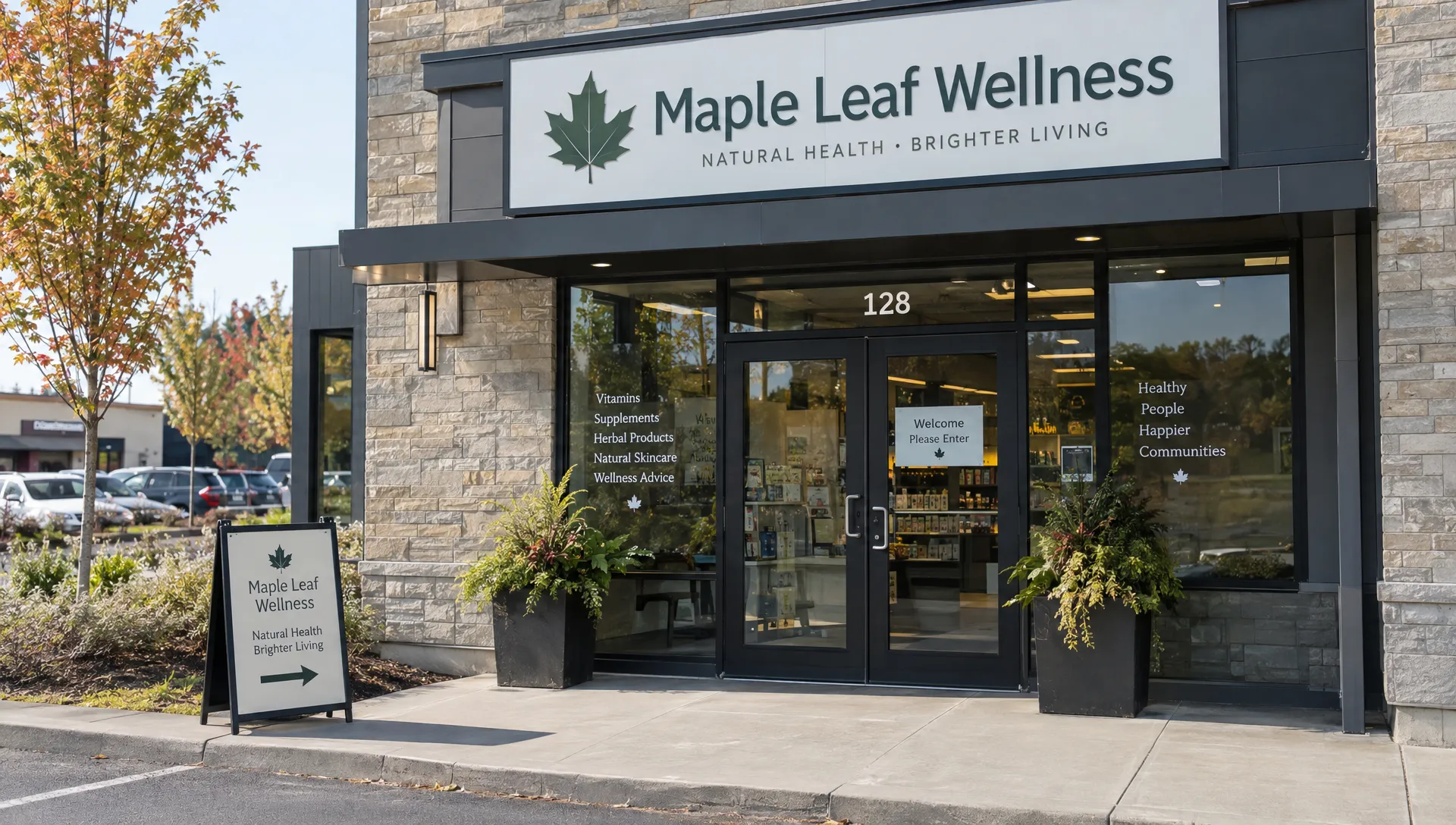
Check that the new premises meet Google's business representation guidelines. A mailing address alone does not establish an eligible customer-facing location. Virtual offices and coworking arrangements have restrictions, including requirements around staffing, signage and receiving customers where applicable.
Record a useful baseline
Save available profile performance data and website analytics before making changes. Record the date range, enquiries and booked appointments separately so you can compare visibility with actual business outcomes.
Also capture the current address, categories, hours, map pin and website destination. This gives you a reference if an unrelated field changes during the transition.
Prepare a customer-facing moving notice with the new address, the date service begins there and any interruption to opening hours. Publish that notice on your website before customers need it.
Update the profile in a controlled sequence
The practical priority for Google Business Profile optimization is accuracy: publish the new address when it genuinely represents where the business operates. Do not display future premises as your current trading location while customers are still being served elsewhere.
Change the address and check the map pin
Edit the address on the existing profile. Include the correct unit or suite, municipality, province and postal code. Check that the map pin identifies the actual business location rather than a neighbouring building or an unrelated entrance.
After the update is accepted, inspect the public result in both Search and Maps. Test driving directions as a customer would, especially if your premises are in a plaza, industrial park or building with several access points.
If navigation leads to the rear loading area, investigate the address and pin rather than assuming customers will work it out. Entrance photos can help explain access, but they do not replace accurate location data.
Complete verification if Google requests it
An address change can trigger another verification requirement. Follow the method Google offers for that profile; do not assume you can choose any method you prefer.
Google's business verification guidance explains the available process. If evidence is requested, prepare material that accurately demonstrates the location and your authority to represent the business. Depending on the method, that could include permanent signage, the street number or access to business equipment.
There is no reliable universal completion time. Follow the instructions shown in your account and monitor the status rather than repeatedly submitting variations of the address.
Recheck categories, hours and contact details
Keep Google Business Profile optimization focused on genuine operational changes. Moving a dental clinic into a larger building, for example, does not justify changing its primary category unless the main business activity has also changed.
Confirm the phone number, website link, appointment link and opening hours. Update special hours for moving-day interruptions where appropriate. Remove a booking destination that still directs customers to the old branch.
Review the business description and services for outdated location references. Mention the new area naturally where useful, but avoid repeating neighbourhood names or turning the description into a list of search phrases.
Add current exterior and entrance photos once the premises are ready. Review photos you uploaded of the former location and remove those that would now mislead customers.
Match the settings to your business model
Not every relocation requires a publicly displayed street address. Use the configuration that reflects how customers interact with the business.
| Business model | What to check after the move |
|---|---|
| Customer-facing storefront | Display the eligible address, confirm signage and show accurate customer-facing hours. |
| Service-area business | Update the underlying business address as required, keep it hidden if customers are not served there and review the actual service area. |
| Hybrid business | Confirm that customers can visit during stated hours and that listed service areas remain accurate. |
| Multi-location business | Update only the relocating branch and its associated website and booking destinations. |
Expanding a service area does not move your physical base closer to searchers or guarantee visibility throughout that territory.
Align your website with the new premises
Update your contact page, location page, footer and any other place that displays the old address. Check appointment confirmations and downloadable directions too, since customers may rely on them after leaving your website.
Keep an established location-page URL if it still accurately represents the same business and remains suitable. If the URL must change, redirect the old page to its relevant replacement and update internal links. Avoid redirecting every old location page to an unrelated homepage.
Check embedded maps, parking instructions and accessibility details against the new premises. Update any LocalBusiness structured data, including the address and coordinates where used. Structured data should agree with what visitors can see on the page.
A move into another municipality may also require rewriting location-specific content. Do not continue claiming a staffed office at the old address. If you still serve that area, describe it as a service area rather than a physical branch.
For example, a business moving from Toronto to Mississauga should reconsider its local landing page and competitor set. MarketingFlow's Mississauga local SEO guide provides broader context for building visibility in that market beyond the relocation itself.
Correct old listings and manage duplicates
Google Business Profile optimization works best alongside a deliberate cleanup of outdated business information. Start with sources customers actually use: major map platforms, industry directories, social profiles and relevant professional or membership listings.
Prioritise incorrect addresses and phone numbers over cosmetic formatting differences. An old street address can send someone to the wrong building; minor punctuation differences usually do not create the same customer problem.
Search for the business name alongside both addresses. Check whether an old Google listing or an unauthorised duplicate appears. Use Google's available correction or support process rather than claiming multiple profiles and trying to maintain them all.
Keep a simple log showing the platform, requested correction, submission date and result. Some third-party updates may take time to appear, so distinguish between a submitted change and a confirmed public correction.
For multiple locations, assign each branch a separate row in the log. This reduces the chance of replacing every branch address with the new headquarters address.
Avoid mistakes that make the transition harder
The most damaging relocation mistakes usually come from trying to make the business appear established in two places at once. Do not leave an old address active simply to retain visibility in that neighbourhood, and do not use an ineligible address to maintain a preferred map position.
Keep the real-world business name intact. Adding “best plumber in Calgary” or a similar phrase to the name field is not a legitimate address update unless that wording is genuinely part of the business name under Google's guidelines.
Continue requesting genuine reviews without incentives or selectively asking only satisfied customers. Moving does not justify review gating, paying for reviews or asking people to review premises they have not visited.
If the profile becomes suspended or restricted, follow the applicable appeal process and address the underlying issue. Creating a replacement profile to bypass the restriction can make the situation more complicated.
Measure Google Business Profile optimization after relocation
Separate technical completion from marketing performance. A correct public address is an immediate operational check. Changes in discovery, enquiries and revenue need a longer observation window and context.
Use a practical monitoring schedule like this one. It is a suggested workflow, not a Google processing timetable.
| Timing | Checks to perform |
|---|---|
| First few days | Confirm the public address, verification status, map pin, hours and website links. |
| First two weeks | Recheck directions, duplicate listings, booking destinations and priority directory corrections. |
| Following weeks | Compare profile interactions, website enquiries and booked work against the pre-move baseline. |
| Ongoing | Review unexpected edits, customer feedback and location-specific search visibility. |
Compare equivalent periods where possible, such as 28 days before and after the transition, while accounting for closures, seasonality and advertising changes. Available profile metrics can indicate customer interest, but direction requests are not confirmed visits and call interactions are not booked jobs.
For teams using the move to improve their wider marketing operations, Founder Engine's workflow-and-tracking approach offers a relevant example of organising repeatable work around measurement. Apply that principle by assigning an owner to each relocation task and connecting enquiry tracking to actual outcomes.
If rankings change, examine where they changed. A decline near the former address and improvement around the new premises may reflect geography rather than a failed update. Use consistent search locations when comparing local results.
Frequently asked questions
How long does Google Business Profile optimization take after a move? Editing the information is only one part of the process. Review, verification and third-party corrections can take different amounts of time. Monitor the status shown in your account and verify the public result rather than relying on a fixed deadline.
Will my reviews stay when I change the address? For the same business moving premises, reviews generally remain associated with its existing profile. Material changes to business identity or duplicate-profile issues can require additional handling. Do not create a new listing simply to copy the old information across.
Should I mark the old location permanently closed? Not for a straightforward relocation of the same business on its existing profile. Update that profile's address. If a separate old listing remains visible, request the appropriate correction rather than treating it as another active branch.
Can I update the address before moving day? Prepare the change and announce the move in advance, but the displayed address should reflect the actual operating location. Use your website and available profile updates to explain the transition without sending customers to premises that are not ready.
Does updating the profile cost anything? Google does not charge a fee to edit a Business Profile. Professional help with verification issues, listing cleanup or ongoing local SEO is a separate service.
Get help checking your relocation updates
If your address is correct but customers still encounter old listings, broken directions or inconsistent location pages, request a free SEO audit from MarketingFlow. Its local SEO, technical optimization and Google Maps services can help identify what needs attention after the move, without promising that an address change will produce higher rankings.